Badge Scanners vs E-Business Cards for Exhibitor Lead Capture
| Events & Trade Shows | By eDigital Business Cards Editorial Team
A factual comparison of event badge scanners and e-business cards for capturing leads at an exhibition stand, with advice on using both.
Badge scanners and e-business cards solve different problems at a trade show. A badge scanner reads the visitor's event badge and gives the exhibitor the registration details the organiser holds. An e-business card shares the exhibitor's own details by NFC tap or QR code, and can also collect a visitor's details through a form. Many exhibitors use both.
This guide explains how each option works, where each one is strong, and how to choose for your next exhibition. It is a general comparison. Badge scanning set-ups vary by event and supplier, so always cheque what your organiser offers.
What is a badge scanner?
Most trade shows give every visitor a badge with a barcode, QR code or NFC chip. Organisers or their technology partners usually offer exhibitors a lead-retrieval service, either a dedicated handheld device or an app on the exhibitor's own phone. When you scan a visitor's badge, you receive the information they gave when they registered, such as name, company, job title and email address. Exactly which fields you receive depends on the event and on what the visitor agreed to share.
Lead-retrieval services are normally rented per event or per device, and the data is often provided as an export after the show or through the supplier's portal.
What is an e-business card?
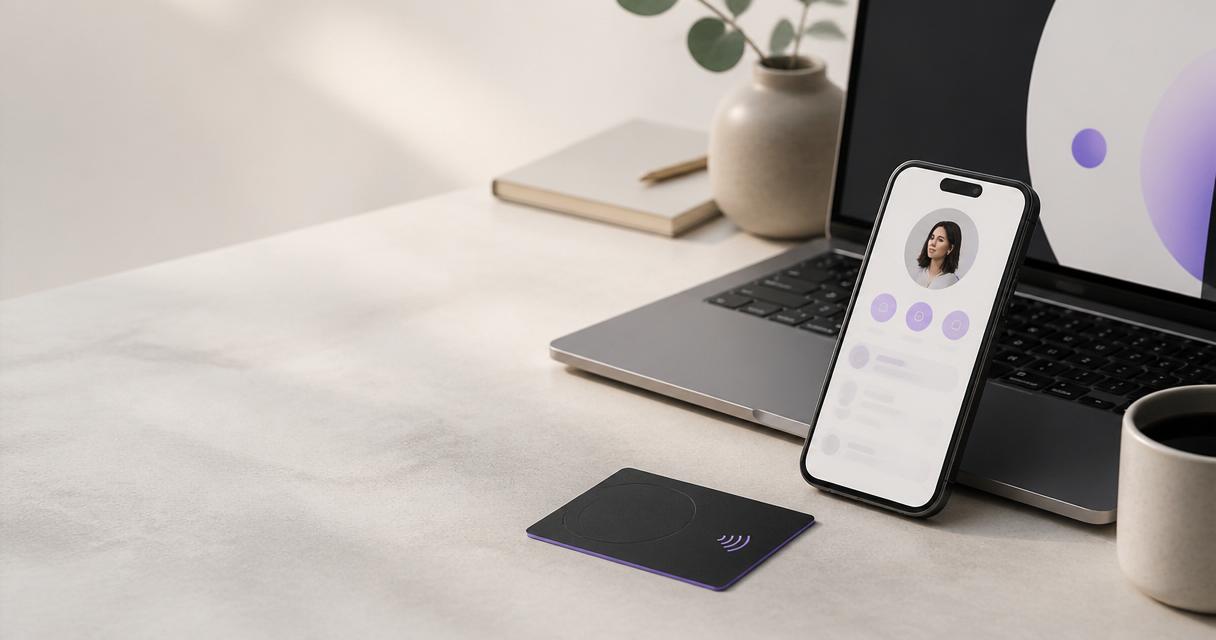
An e-business card is an online profile with your contact details, links and content. You share it by letting someone tap an NFC card against their phone or scan a QR code. The profile opens in their browser, and they can save your contact details straight to their phone. No app is needed on their side.
With eDigital Business Cards, the profile can also include a contact-capture form, so visitors can leave their details for you. Those details are stored in your dashboard, alongside a built-in CRM pipeline.
Side-by-side comparison
Badge scanner | E-business card
Main job | Collects the visitor's registration details | Shares your details and can collect theirs
Who keeps the data | Usually the exhibitor, via the organiser's or supplier's system | You, in your own dashboard
Works outside the event | Only where badges are used | Anywhere: meetings, other events, the office
What the visitor receives | Usually nothing at the time of the scan | Your full profile, saved to their phone
Set-up | Arranged with the organiser for each event | Set up once and reuse at every event
Depends on | The event's badge system and registration data | A phone that supports NFC or can scan QR codes
Notes on the lead | Depends on the app | Added in your CRM
Where badge scanners are strong
- Speed at busy stands. One scan captures a visitor's details without them typing anything.
- Consistent data. Details come from registration, so formatting is usually tidy.
- Organiser integration. Some events link scans to their own reporting and follow-up tools.
Where badge scanners fall short
- One-way. The visitor often leaves without your details unless you also hand them something.
- Event-specific. The service usually only works at that event, and may need to be booked again each time.
- Registration data can be limited. Visitors decide what to share, and job titles or emails may be out of date.
Where e-business cards are strong
- Two-way exchange. The visitor saves your details while you capture theirs through a form.
- Reusable. The same card works at every show, meeting and conference.
- Always up to date. Change your profile and every card you have already shared shows the new details.
- Richer first impression. Your profile can include a portfolio, product links, videos or a booking link.
Where e-business cards fall short
- The visitor has to act. They need to tap or scan, and to fill in the form if you want their details.
- Older phones. A few phones do not support NFC, so a QR code on the card is important as a fallback.
- Not linked to the event's badge data. You will not automatically receive registration fields.
How to choose
Ask three questions before your next exhibition:
- Do you mainly need to collect details, or to make a memorable exchange? If volume of badge scans is the priority, rent the organiser's scanner. If you want visitors to leave with your details, use e-business cards.
- How many events do you attend? If you exhibit regularly, a reusable card avoids rebooking a scanner for every show.
- Where do you want the data to live? If you want leads in one place across every event, a dashboard and CRM you control helps.
For many exhibitors the answer is both: scan the badge to capture the registration data, then let the visitor tap your card so they leave with your details too.
Using both on the same stand
- Scan the badge first so you have a record.
- Ask the visitor to tap your card or scan its QR code.
- Add a short note in your CRM about the conversation.
- Follow up within two working days. Our 48-hour trade show follow-up guide explains how.
FAQ
Do badge scanners work at every trade show?
No. Lead-retrieval services depend on the organiser's badge system. Check with each event before you arrive.
Can an e-business card replace a badge scanner?
It can for many smaller exhibitors, especially if you use a contact-capture form. At large shows with heavy footfall, some teams prefer to use both.
Does the visitor need an app to use an e-business card?
No. The profile opens in the phone's browser after an NFC tap or a QR scan.
What if a visitor's phone does not support NFC?
They can scan the QR code on the card with their camera, which opens the same profile.
Who owns the leads I collect?
That depends on the service. With e-business cards, contact-capture submissions are stored in your own dashboard. For badge scanners, cheque the organiser's terms.
Next step
See how an NFC business card works at an exhibition stand, or start with a digital business card that includes contact capture. The full exhibitor's guide to e-business cards at events covers set-up and buying.