Digital business card for doctors and medical practices
Digital business card for doctors and medical practices
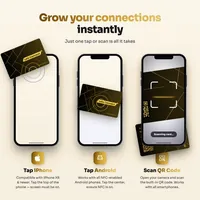
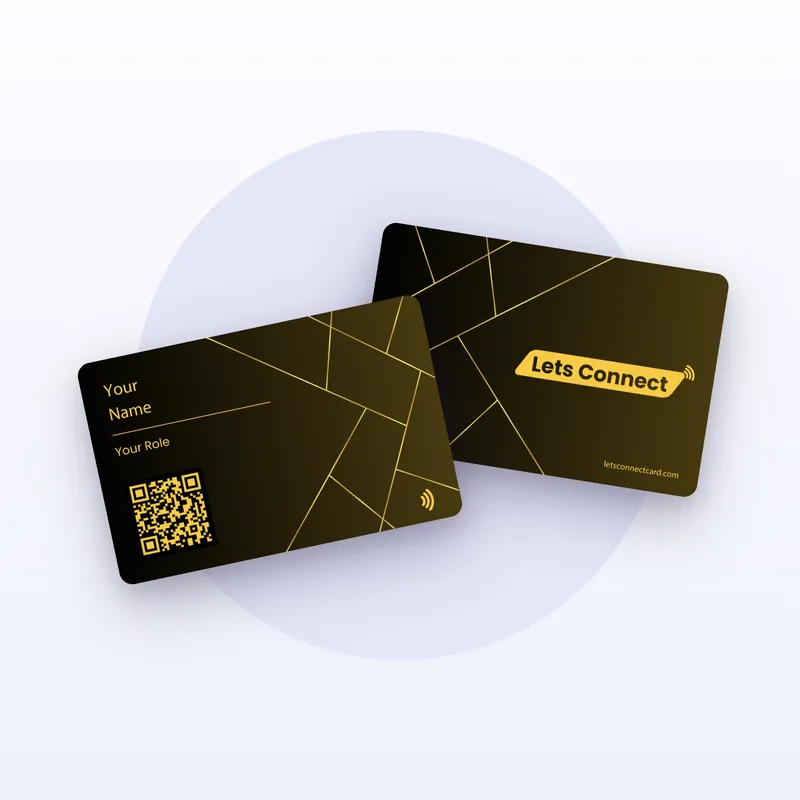
Patients, referrers and colleagues all need different things from a doctor’s card: the practice phone line, the way to book, directions or a referral address. A digital profile holds all of it, opens from an NFC tap or a QR code on the reception desk, and changes the moment your hours or team change.
Good practice for medical profiles
Keep the profile factual: who you are, what the practice offers, when it is open and how to get an appointment. Professional rules on advertising differ between countries and are usually set by the medical council or licensing body, so describe treatments and qualifications the way that body allows.
Put the practice phone line first, because many patients still prefer to call. If a separate number exists for urgent cases or out-of-hours services, say so clearly, and point people to emergency services where your practice cannot help.
What to put on your profile
Your name, qualifications and specialism, written the way your licensing body allows.
Practice address with a map, phone line and the hours your practice publishes.
A link to the appointment system you already use, or bookings on Business Add-ons.
Practice leaflets, preparation instructions or new-patient forms as PDFs in Documents.
Languages spoken, accessibility of the building and parking or transport notes.
Where the card gets used
At reception
A card stand or NFC sticker at the desk lets patients save the practice contact and open the booking link before they leave.
Referrals
Hand the card to referring colleagues so they always have your current address, fax or secure referral route.
Talks and conferences
Share your profile, publications and practice details with other clinicians after a session.
Plan features that matter
Brand Presence covers the profile, location map, documents, Add to Wallet and analytics.
Business Add-ons adds bookings and enquiry forms. Do not ask for symptoms, diagnoses or other health data in a form; health data needs a protected channel.
Questions
Can patients book through the profile?
Yes: link your existing appointment system, or use bookings on the Business Add-ons plan.
Should the enquiry form ask about symptoms?
No. Keep it to name and contact details and handle medical questions in the consultation or a secure system.
Can a practice give every doctor a card?
Yes. Each doctor gets a profile in the practice design, and you can update shared details at any time. Ask us for a quote for five or more.
Why buy here
One-off plans, no subscription
Works without an app
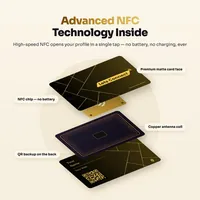
NFC and QR code on every card
Edit your profile at any time
No delivery charge is added at checkout. Outside the UK, EU and India, import duties or local taxes may be due on arrival.